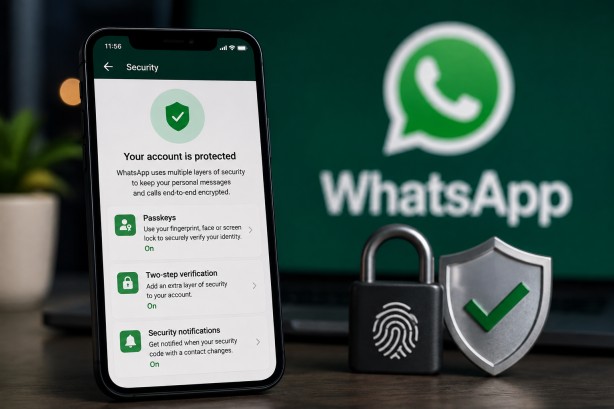
WhatsApp is rolling out several security upgrades designed to make it harder for scammers to take control of accounts and to help users identify potentially suspicious calls and messages.
The messaging platform is expanding passkey support on Android and iOS, allowing users to create more than one passkey for their WhatsApp account. Passkeys provide an alternative to traditional login codes by using a device’s security features, such as a fingerprint, face scan or screen lock.
Stronger two-factor authentication
WhatsApp is also improving its two-factor authentication system. Instead of relying only on a six-digit PIN, users will be able to create longer alphanumeric passwords with special characters.
The change is intended to make accounts more difficult for scammers to compromise by reducing the chances of attackers successfully guessing a user’s security code.
More information about unknown callers
The platform is also providing additional information when users receive calls from people who are not saved in their contacts.
On Android, users may see details such as whether the caller’s number is registered in another country and whether they share any WhatsApp groups. This additional context can help users decide whether to answer an unfamiliar call.
How to create a WhatsApp passkey
On Android: Open WhatsApp → Settings → Account → Passkeys → Create passkey, then follow the on-screen instructions.
On iPhone: Open WhatsApp Settings or your profile → Account → Passkeys → Continue, and follow the instructions.
The security updates come as messaging platforms face increasing attempts by scammers to gain access to user accounts. Stronger authentication methods and additional information about unknown callers are intended to give users greater protection against account takeovers and suspicious communications.